eFootball: Tips for Gameplay(Automatic Sliding Tac&Unlock Players)
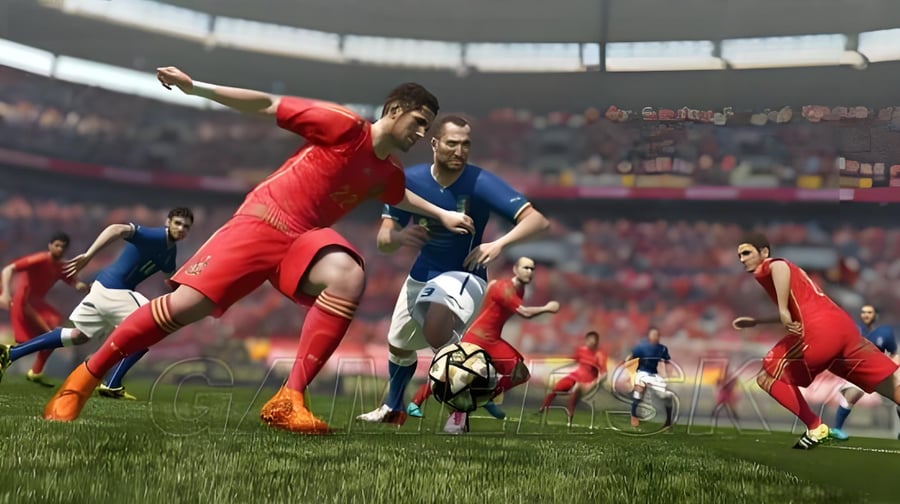
Automatic Sliding Tackle: An Aid for New Players
This feature is crucial for newcomers, as many players utilize a "semi-automatic" approach. The difference lies in the defensive actions of the player you control and how you manage their defense. When the assist is enabled, defenders will attempt to slide tackle when the ball is marked (short pass) or chased (accelerated short pass) along the baseline and inside the penalty area, with a slightly higher frequency. This setting helps newcomers avoid getting overwhelmed by the computer during their first defensive attempts. However, the downside is that defenders may occasionally slide tackle in situations where they shouldn’t.
To minimize yellow or red cards, the improvement should focus on preventing defensive mispositioning and ensuring quick adjustments to maintain position. This choice can enhance the success rate of tackles, as the advantages generally outweigh the disadvantages.
How to Unlock Players in eFootball Mobile
In eFootball, players who have been substituted off remain locked, which means you need to unlock them to perform other actions.
To unlock a player, follow these steps:
· Go to Club Members
· Select Players
· Choose the Player
· Remove Lock
Essentially, this is the same place where you usually release players!
I hope this guide on unlocking players in eFootball helps everyone!